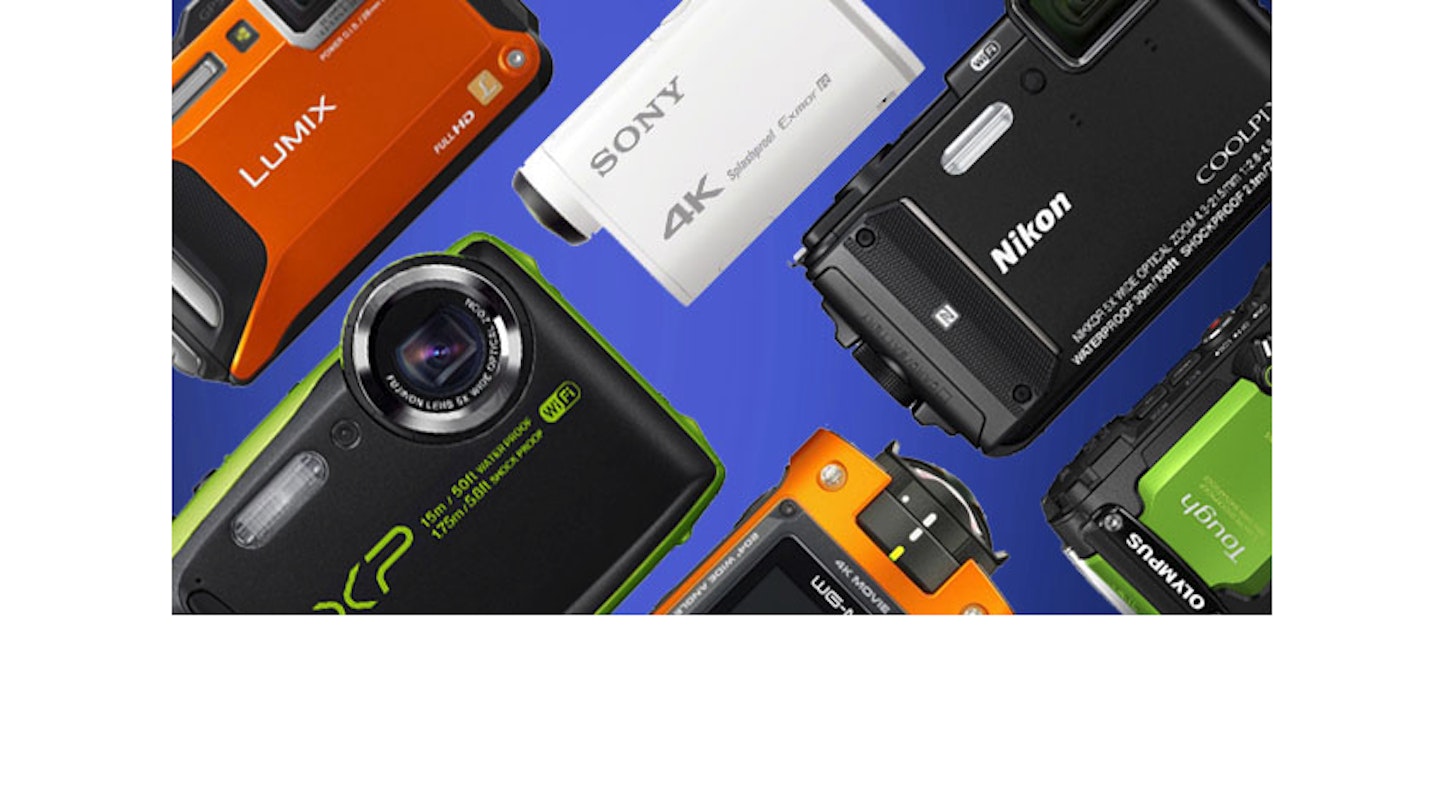
Click Thumbnails to Enlarge
TIPA Camera Test Online: Nikon P7100
By TIPA
Cameras
04 November 2011 17:00
The P7100 is the top of the line product of Nikon’s P-series. It offers a 10MP resolution, a 7.1x zoom lens, HD video and plenty of manual and custom settings.
Comments on Handling
The new Nikon offers plenty of function buttons and dials. It uses a large mode dial on the top to select standard exposure modes like P, S, A and M plus other settings. The camera offers a full automatic mode, scene modes and special effect modes (like BW photography, sepia tone effect, “High Key” effect and more). In addition the P7100 offers three custom modes which are saved as U1-U3 modes and directly available on the mode dial.
A second dial is used to change exposure settings by +/- 3 EV-stops. This is a very fast and intuitive way to change this parameter.
On the left hand side of the camera is another dial. This changes basic image parameters like white balance, ISO speed setting or bracketing mode. By turning the dial into the desired position (to WB for white balance for example) and pressing the button in the center of the dial the user is able to change this parameter with the setup dial on the back. This setup dial is also the 4-way cursor control and can be used to change additional parameters such as shooting mode (single shot, burst mode, self timer) or switching between the focus modes.
The camera has two function buttons: FN1 is located on the front and near the lens system while FN2 is located on the top right beside the shutter release button. The photographer can assign a range of functions to these buttons. For example, you can assign a shift between saving Raw and JPEG images to one of these function buttons. This makes it possible to toggle between both modes simply by pressing the FN1 button instead of navigating the camera menu.
The camera also has two parameter dials. The first one is located in the upper right of the rear of the body and is operated with the right thumb. The second dial is located on the front and is turned with the forefinger. Both dials allow the user to change aperture and shutter speed setting simultaneously.
The camera offers an integrated ND (Neutral Density) filter which is activated in the camera menu. With the help of this filter the photographer can use low aperture settings down to f2.8 even under bright lighting conditions.
All this is packed into a very stable and robust body. The P7100 offers a large swivel monitor with high resolution (921000 RGB dots) and an additional optical viewfinder. The optical viewfinder is very small but will help to aim at the photographic target in very bright light conditions, when the LCD screen reaches its limits.
Test shots

Click image to enlarge.
The P7100 is able to create very natural looking skin-tones. There are nearly no moirés or aliasing effects visible in fine structures like the hairs of the model.

Click image to enlarge.
The standard test-box shot shows the very good results of the automatic white balance system. The P7100 reproduced the box with neutral greys in the background and only minor colour aberrations the dark blue or the red spool.
Comments on Image Quality
Colour:
The automatic white balance system of the P7100 worked perfectly when shooting the test chart. All grey patterns are located exactly in the centre of the colour space. This perfect result is also noticeable in the standard test-box shot and the portrait shot.
The saturation is on a standard level for a compact system (minor over saturation with 104.8 percent). Colour errors are also on an average level, only blue nuances are boosted by a shift in to colour areas with higher magenta rate. You will notice that in the blue spool of thread in the upper right of the standard test-box shot. Red colors have a slightly high yellow rate. Skin-tones are very good.
Sharpness:
The new Nikon offers sharp and crisp images, which are a little softened by the noise filtering. The camera reproduced the ISO 12233 chart with 2158 lines per picture height which is a good result for a compact system with a nominal resolution of 2736 lines per picture height. There are nearly no colour moirés or aliasing-effects noticeable in our test shots. The structure of the model’s hair and the fine details in the metal sieve in our standard test shot prove this. Chromatic aberration effects are on an extremely low level for a compact system. The moderate zoom factor (7.1x zoom) helps to create crisp and clear images and average distortion results.
Noise:
The camera shows very clean and smooth images up to ISO 400. In images taken with ISO 800 to 3200 the luminance noise will become visible because the y-factor will cross the 1.0 limit. The colour noise is filtered and this filtering is decent in images taken with ISO 100 to 800, but noticeable even in images taken with ISO 100-200. In addition it will cause some colour clouds in higher ISO speed settings. Nevertheless the image results are very good for compact camera.
The dynamic range results of the P7100 are on a good level (10.1 f-stops in ISO 200 mode) but will decrease drastically in the higher ISO speed settings.
Opinion
Pros:
+ massive, robust body
+ a lot of manual settings for a compact camera, nearly every image parameter is configurable
+ intuitive handling due to a lot of function elements (buttons, parameter dials etc.)
+ large swivel LCD monitor
Cons:
- small optical viewfinder
- only 720p video instead of Full HD
To download the PDF specifications sheet for the Nikon P7100 click HERE.
About TIPA
The Technical Image Press Association (TIPA) is a non-profit oranisation made up of a worldwide family of independent photo & imaging magazines with the most expert editors.
TIPA uses BetterNet GmbH in Heidelberg, Germany to perform routine digital camera tests based on an independent and objective testing method. The TIPA sponsored tests range from small compact cameras to popular DSLRs and even up to high-tech medium format models.
For more information on TIPA, its members and the annual TIPA Awards, visit www.TIPA.com.